
Control 4
Control4 is the engine that drives home automation- enabling connections of all devices to communicate freely and interoperate from anywhere around the world.
Wired vs wireless devices
Most home networks are a hybrid environment with a combination of wired and wireless devices.
Generally speaking, wired devices provide better performance and quality of service (QoS) than wireless devices. But that upside comes with a potentially higher cost and, usually, less flexibility. Wireless devices are easier to move around and use almost anywhere. They might have lower or spottier performance, however, especially when trying to access large files or participate in video conference calls.
Typical wired devices include desktop computers, some media streaming devices, DVRs/cable boxes and smart TVs. Wired devices use an RJ-45 connector that enables a connection via Ethernet. Many devices, like computers, include both wired and wireless connections. Wherever appropriate, choose a wired connection over wireless because it provides better speed and a more stable connection.
Smarthome provides you with HSIA devices, routers, network switches, Wireless Access Points etc ensuring that streaming of contents ( audio-video) is not compromised and connections of more devices for home automation keep running
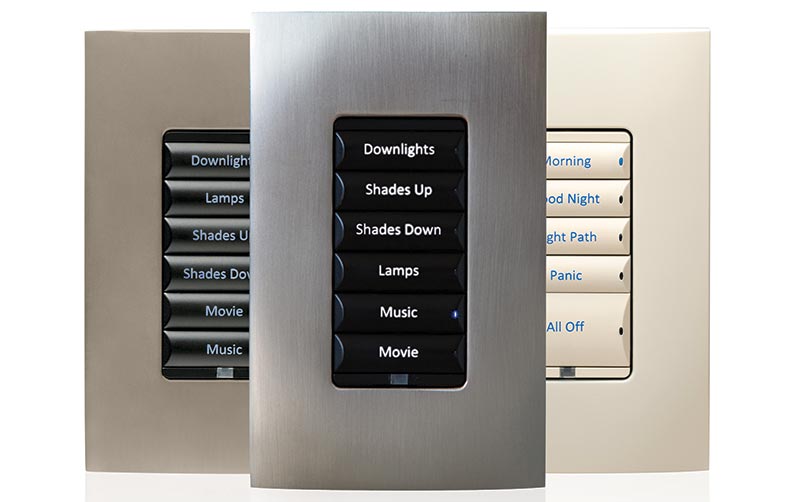
Wired Keypads
Control4 Keypads provide a stunning interface for your Control4 Smart Home system, combining flexible button configuration with beautiful aesthetics to complement the decor of your home. With the simple press of a button, you can activate a scene, allowing events to happen simultaneously.
Remotes
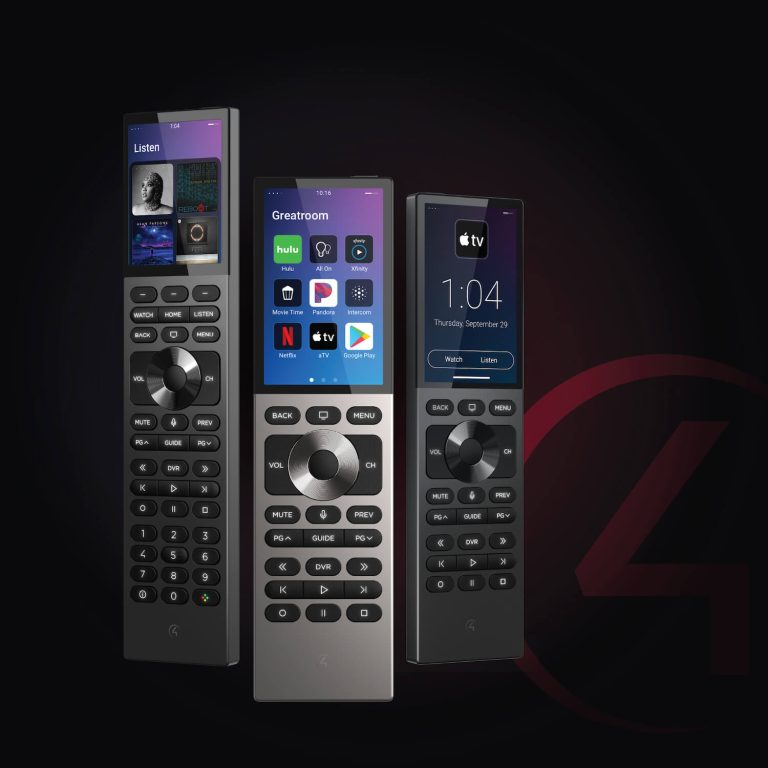
The Halo, the Halo Touch, and the Control4 SR-260 remotes are the perfect hand-held interfaces to the whole home. Controls audio and video equipment, as well as lights and scenes, media browsing, voice control, and more. These beautiful remotes feel good in the hand, have an intuitive button layout perfect for one-handed operation, and are highly customizable.
Quick and clear controll.
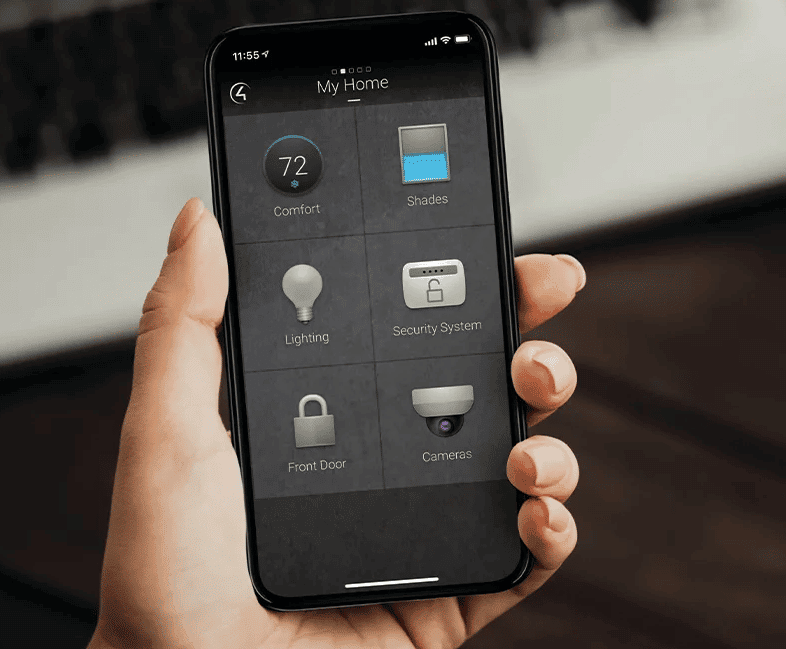
You have many rooms in your house, but some that are used more often than the others. Elevate those favorite rooms and quickly swipe between them.
Icons are larger and text is more legible. The Comfort screen provides weather details and allows you to adjust the temperature with a single tap. You also have a clear view of what’s playing around the house with the all-new Active Media Bar.
To experience Control4 Smart Home OS 3, talk to your dealer about upgrading your system and download the new OS 3 app today!
Controllers
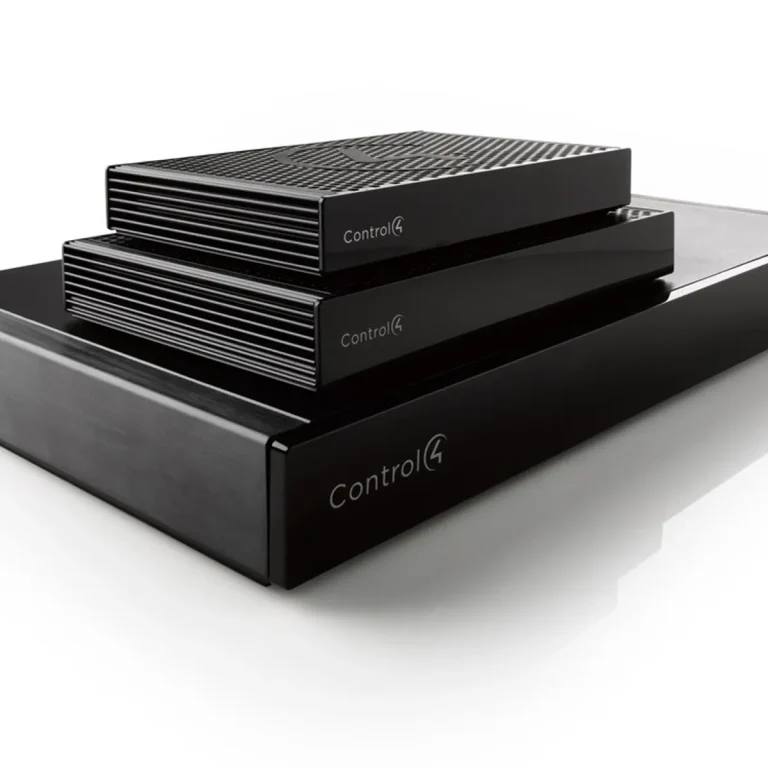
Control4 controllers combine all your smart devices for easy selection and control from a touchscreen or remote, your phone or Apple Watch, tablets, and TVs.
From the customizable interface, you can control your lights and shades, select your audio and video, control thermostats and security devices, and more. Our controllers provide far more than just device control: They also provide personalized automated experiences, Intercom Anywhere, and high-resolution audio streaming.
An intelligent home
Always keeps you in the know. Stay informed and in control of everything happening in and around your home—whether you’re in the kitchen or across the world